Log anything. Look back anytime.

Your past, in one timeline. Patterns that guide you forward.

Markd Timeline helps you capture what happened and when it happened. Dark mode, local-first, Android.

Relative time | Premium activity styling | Custom Quick Log button | Notes, photo, GPS

Inside the App

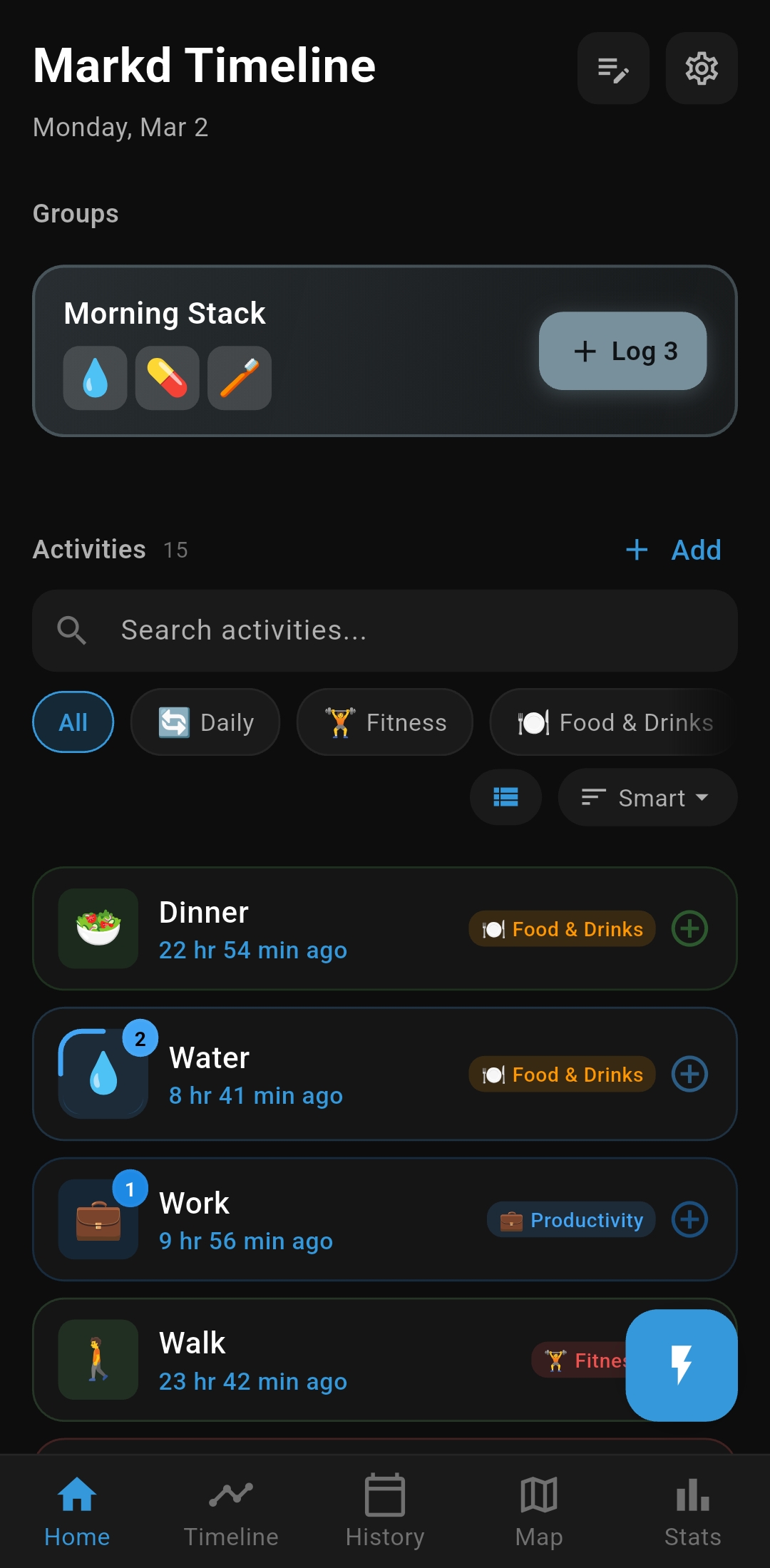
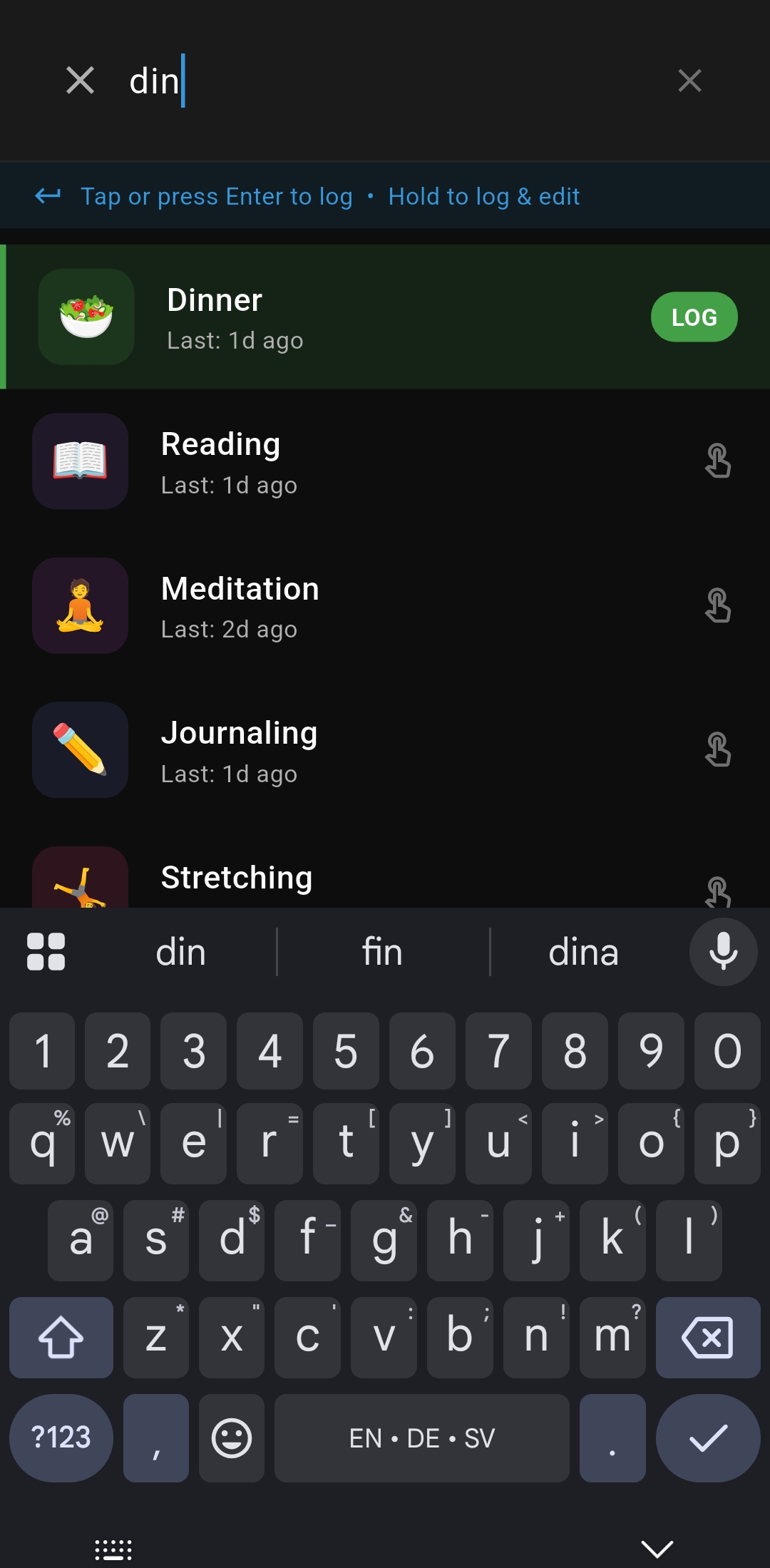
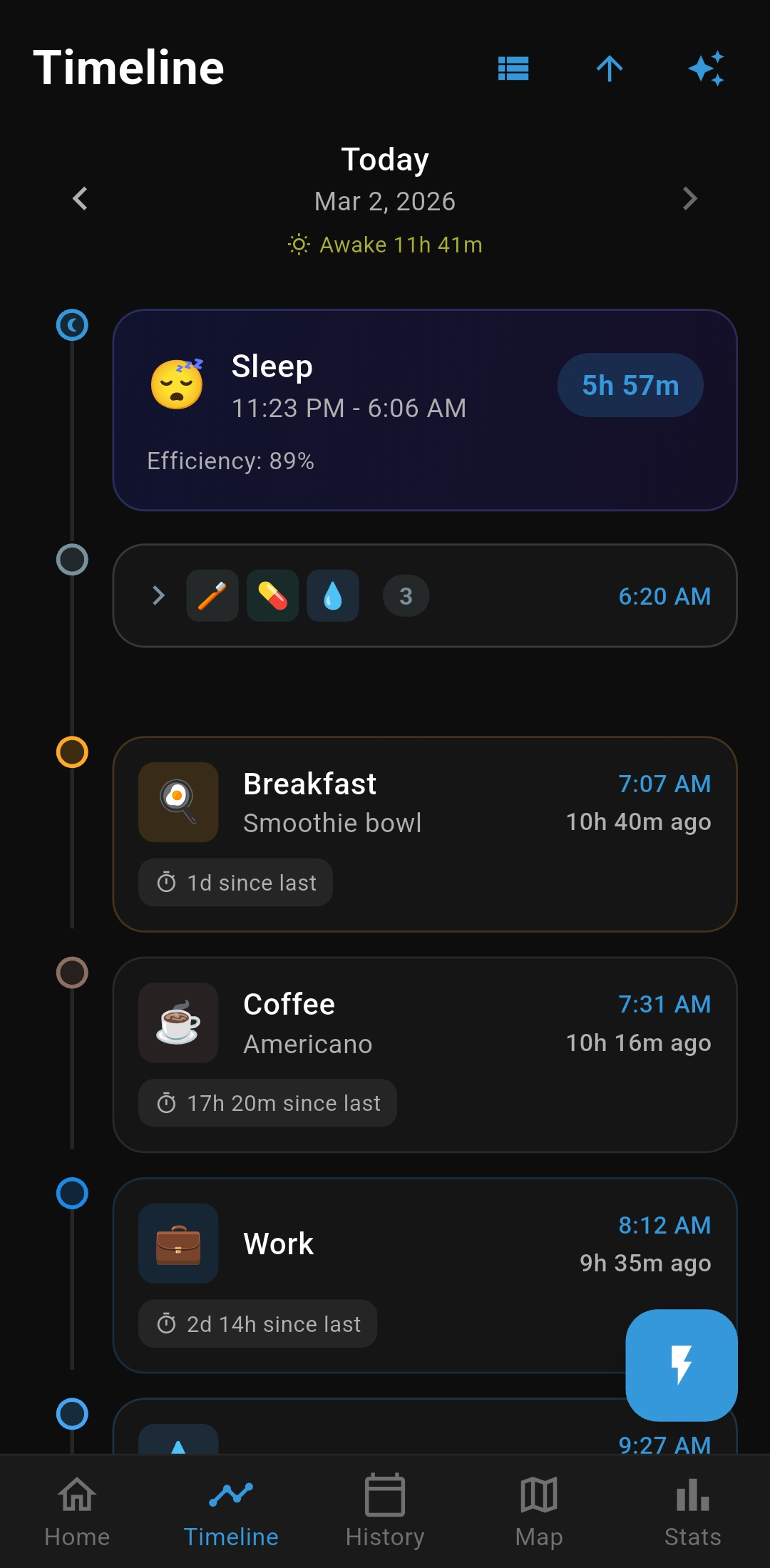
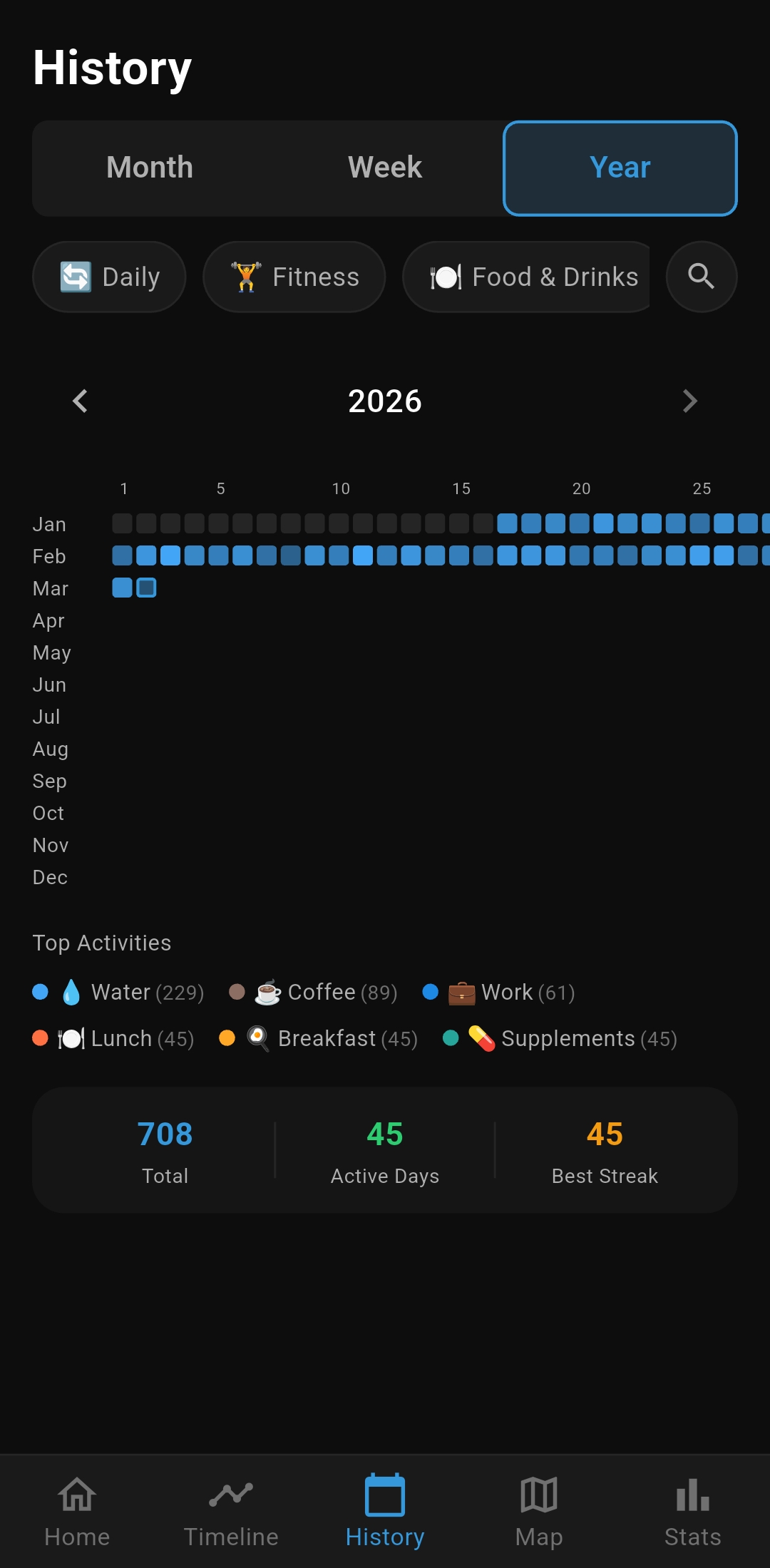
Real screenshots from the app.

Share for AI Analysis

Export timeline ranges to your AI model through the native share sheet.

  • Flexible day range (1–365 days) with quick presets
  • Filter by specific activities
  • Sensitive activity toggle — always visible, never buried

Includes ordered entries plus optional notes, intensity, location, and sleep summary.

Rich Activity Entries

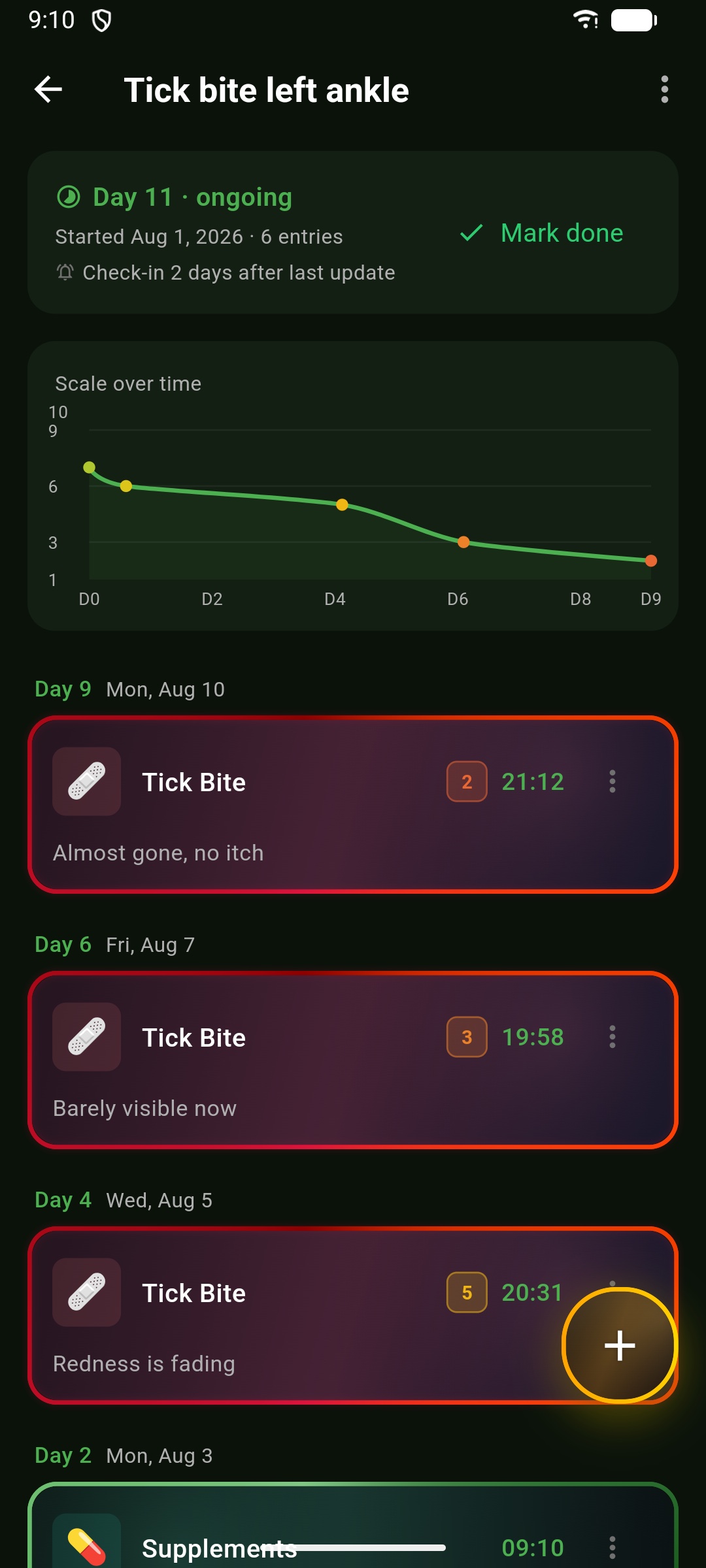
Each log can include context, not just time. Edit any entry after logging.

  • Text notes (with smart note suggestions)
  • Attached photo from camera or gallery
  • GPS coordinates and location name
  • 1–10 intensity scale with color gradient
  • "Time since last" interval display

History & Calendar

Visual tools for reviewing what happened and when, with the same styled activity cards carried across Home, Timeline, and History.

  • Month calendar — colored stripes show which activities were logged each day
  • Week view — expandable day cards with emoji preview chips
  • Year heatmap — full-year grid colored by dominant activity with legend
  • Activity filter — filter all history views by specific activity
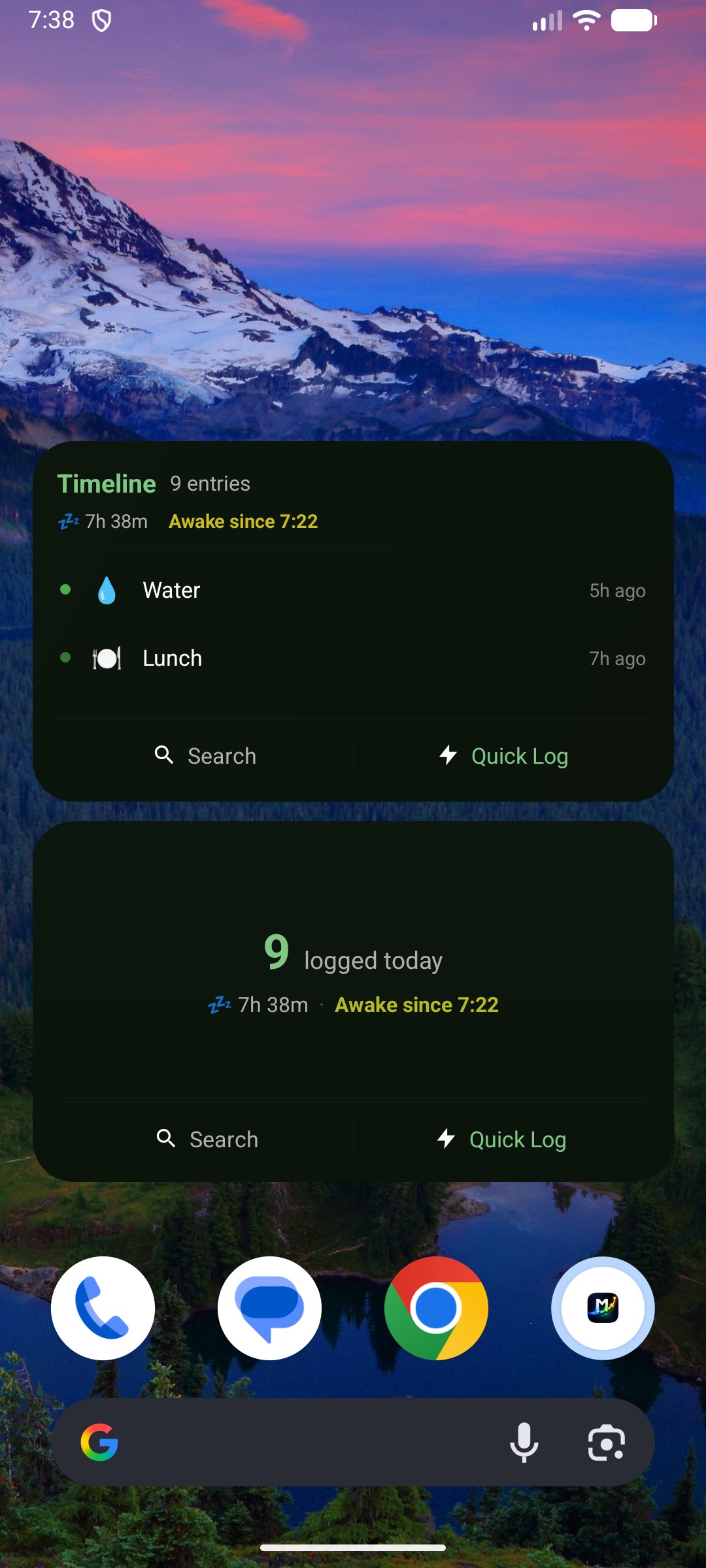
  • Awake time — Health Connect sleep data shows awake duration per day, color-coded by length

Search & Find

Quickly find activities and entries.

  • Home search — fuzzy search to filter activities instantly
  • Entry search — search all entries by note text, activity, or date
  • Search shortcuts — assign a shortcut (e.g. "wt" for Water) for instant access
  • Super Fast Log — type a shortcut to auto-log without even tapping

Per-Activity Controls

Configure each activity differently.

  • Cooldown timer between logs
  • Auto reminder (minutes, hours, days, or weeks)
  • Goal targets + combined category goals
  • 1–10 intensity scale (pain, energy, focus, side effects)
  • Mark as sensitive (hidden when privacy toggle is off)
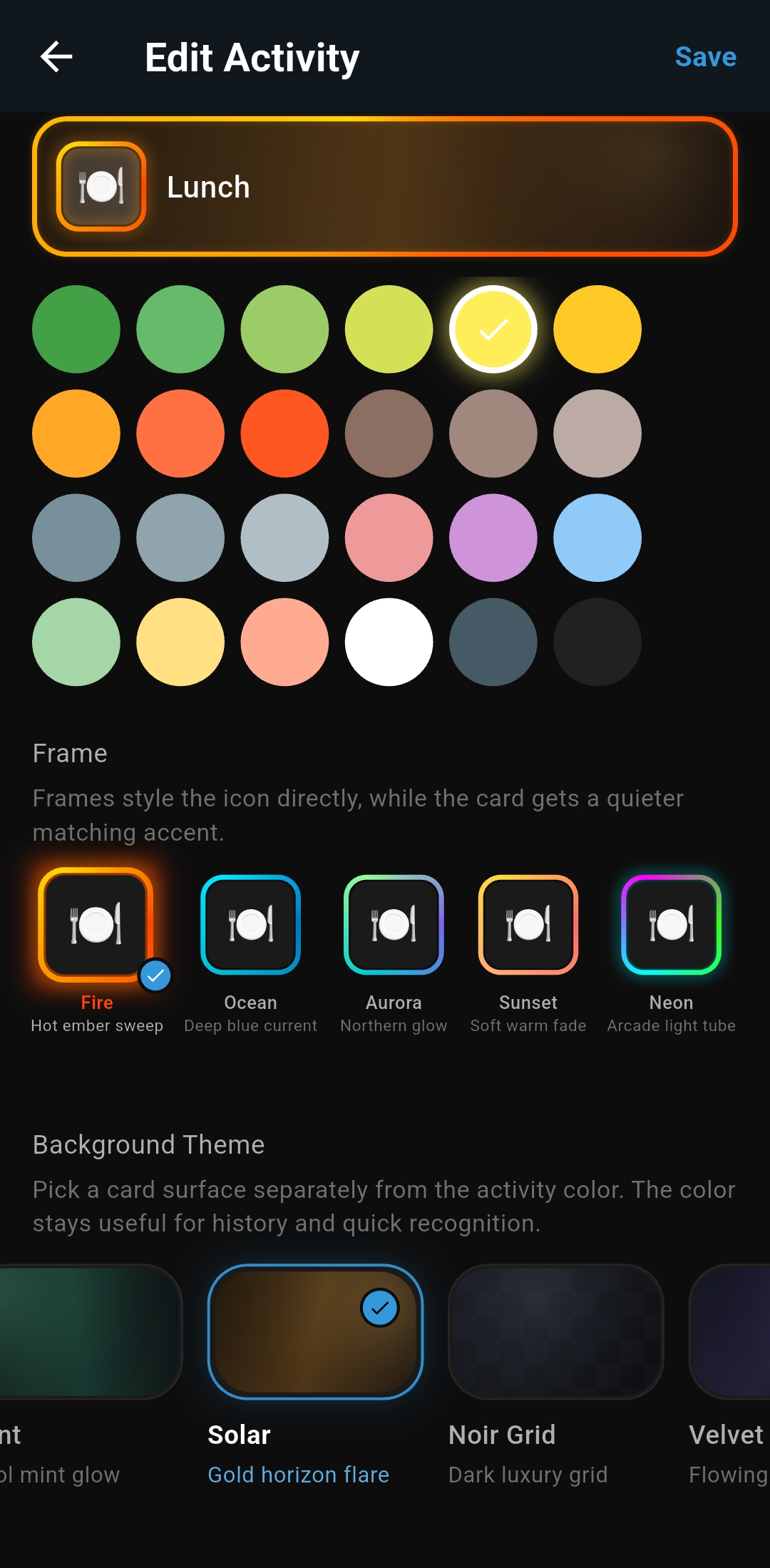
  • Premium frames plus curated gradient-first background themes
  • 500+ emoji icons with 36 curated colors

Quick Log & Groups

Fast workflows for common patterns.

  • Quick Log — search and log instantly with one tap
  • Quick Log button customization — choose its icon, shape, frame, and background look
  • Group logging — log multiple activities at once (e.g. morning routine)
  • Group styling — give groups the same background theme system used by activities
  • Categories — organize activities and filter by category
  • Smart sorting — time-based, alphabetical, most used, recently used, or manual
  • List, grid, or compact — choose your home screen layout

Use Cases

MedicationLog doses + next reminder
CaffeineTrack timing and quantity
SymptomsUse notes + intensity scale
MaintenanceRecurring reminders (e.g. 2 weeks)
MealsPhoto, time, and notes
ExerciseGPS location + intensity

Entry Editing

Tap any entry to edit it after logging.

  • Adjust time with quick buttons (±5m, ±15m, ±1h) or pick exact time/date
  • Add or change notes, images, location
  • Set or update intensity scale value
  • See "time since last" for the same activity
  • Delete with undo
  • Instant undo after logging (4-second window)
  • Multi-select entries on timeline for bulk time editing

Timeline-First by Design

Detailed and compact timeline views with day navigation. Focus on sequence, recency, and what happened last.

How-Long-Ago Context

Relative timestamps are built into entries and screens, so your memory has instant anchors.

Pattern Awareness

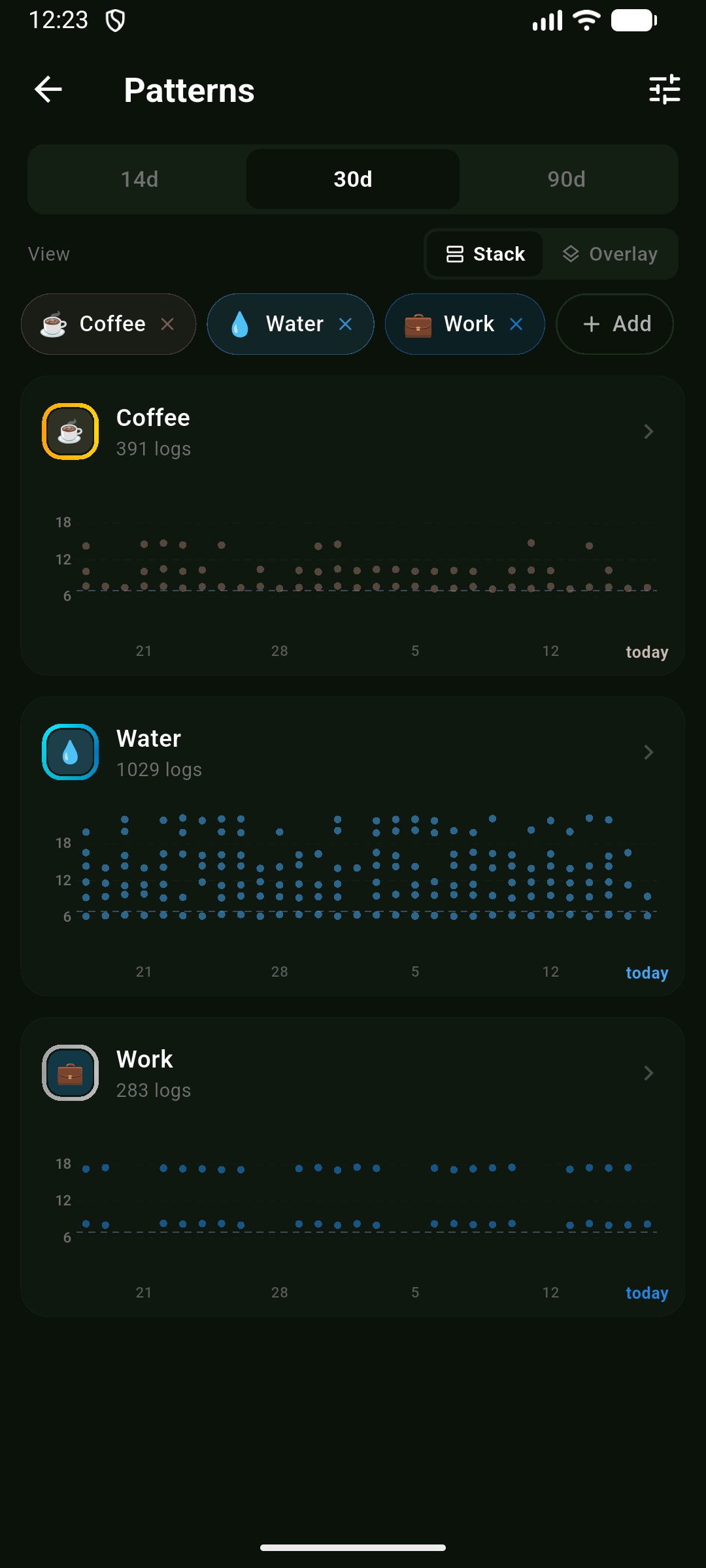
Customizable stats dashboard, month calendar with styled activity cards, year heatmap, 90-day contribution chart, and map view with location markers.

Local-First + Portable

Data lives on-device with JSON backup, CSV export for spreadsheets, and AI-ready share when you choose.

Privacy by Design

No accounts, no cloud, no tracking. Data stays on your device unless you explicitly share it.

Start Tracking Today

Everything you need to build a logging habit.

  • Up to 5 activities
  • Timeline with relative timestamps
  • History calendar
  • Cooldowns & reminders
  • JSON backup & restore

Unlock the Full Picture

Deeper insights, more power, no limits.

  • Unlimited activities, groups & categories
  • Stats dashboard with trends & streaks
  • Interactive map view
  • CSV export & AI analysis
  • Goals, search shortcuts & Super Fast Log

Try free for 7 days. Monthly, yearly, or lifetime.

Why This Exists

This app is built to log events on a timeline, then look back and see when things happened.

Because “when did I last…?” deserves an instant answer.

Everyone is different. So is your timeline. Coffee, friends, workouts, symptoms — everything has a rhythm. See the pattern. Recalibrate. Re-engage. Time adds up. Your timeline makes it visible.
Get on Google Play (Soon)